
Searching the Burnsville Court Docket
Burnsville offers no public municipal docket search. There is no online calendar, and no citation or payment form. So the workable method is a phone-first request. Gather the citation or case number, the name on the notice, and the rough date before you contact the town, and have your reason for asking ready.
Then confirm which court holds the case. Ask plainly whether it is Burnsville Municipal Court or Tishomingo County Justice Court. A city traffic or ordinance matter and a county-issued citation do not share one search index. If a municipal case later moves to another court, Burnsville should tell you the receiving venue rather than leaving you to guess.
- Read the Burnsville notice for the issuing court.
- Collect the citation or case number, name, and date.
- Call 662-427-9526 and ask for Municipal Court.
- Confirm the active court date and the public-record or copy procedure.
- If the case is county-issued or transferred, ask for the new court’s name.
Burnsville Town Contact Point
The town-run Burnsville contact page lists 38 Gross Avenue, Burnsville, MS 38833, P.O. Box 308, phone 662-427-9526, and office hours of 8:00 to noon and 1:00 to 5:00 Monday through Friday. It is a government contact route only. No public case-search database comes with it.
Call ahead before you drive over. The town publishes no dedicated Burnsville courtroom, clerk window, public terminal, security process, or separate court hours. A phone question therefore saves a wasted trip. Say you need Municipal Court, and the office can route your docket question to the right person.
The official town contact source shows the Burnsville address, hours, and phone route that the official page provides.
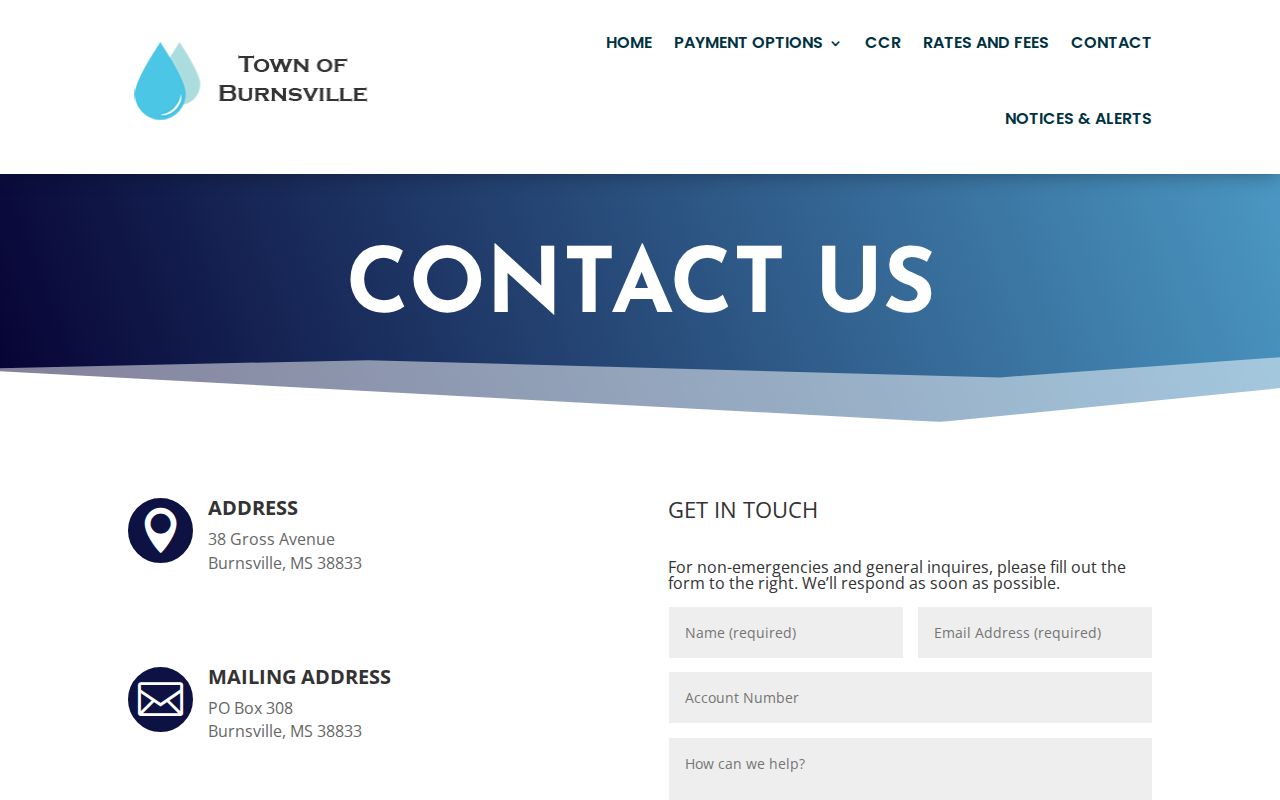
What the page backs up is the Burnsville contact trail, not a searchable municipal docket.
Burnsville Municipal Court Basics
Local city traffic and ordinance matters in Burnsville are expected to run through Municipal Court. The town contact page publishes no case types, docket days, calendar, courtroom location, or online services. The state directory names Municipal Clerk Tracy Roaten and Municipal Judge April Braddock. Confirm the current court contact before relying on either name.
A small municipal system is still its own system. No published web portal does not push city cases into Circuit Court. A county database is not a municipal docket. The citation and the town's own answer remain the reliable routing tools.
The town publishes no court calendar. Treat a town-office answer as a confirmation for today, not a standing schedule. Ask whether the person answering can see the municipal docket. Ask whether a court clerk will call back, and what identifying details they need. That approach respects the limits instead of guessing past them.
For an older record, ask whether Burnsville keeps the original municipal docket summary, an order, or just a case file. Add the question of a retention limit. The MDAH schedule draws those distinctions. It creates no Burnsville online archive, but it gives you the right words for a targeted request.
Burnsville Court Docket Context
Burnsville ranks third among the county's incorporated places. The 2020 Census table lists 868 people. Small size does not shrink the Municipal Court route. A countywide search can miss a Burnsville citation that stayed inside the city system.
The town's contact channel also marks a real split from county practice. Burnsville has a documented phone fallback. County Circuit and Chancery matters, meanwhile, run through separate MEC/PAMEC systems and clerks. Identify the court first, then pick the tool.
Court Dates and Settings in Burnsville
Burnsville publishes no recurring court schedule. Start with the date printed on the citation or notice, then call the town and ask whether that Burnsville setting is still live. Pin down what the date is for, whether a hearing, appearance, trial, payment deadline, or something else. A generic town-office schedule is not a municipal-court calendar.
For a county ticket, Justice Court at 662-423-7033 is the documented fallback. For a city matter, the Burnsville contact point must confirm whether the court set a different date, a reset, or mailed a written notice. Keep the original paper until the clerk confirms the current setting.
A later written notice or court instruction can override the earlier date on a ticket. Ask Burnsville whether a new notice replaced the old one, and whether the date you want is for Municipal Court or Justice Court. Burnsville publishes no reset code, posting window, or reminder service.
| Burnsville court date | Use the notice and confirm with the municipal contact. |
|---|---|
| Citation or case number | Provide the number printed on the Burnsville notice; no format is published. |
| Setting type | Ask if it is a court appearance, hearing, trial, or payment-related setting. |
| Current status | Not exposed through a public Burnsville docket portal. |
| County route | Justice Court handles its own county-issued citations. |
Burnsville Docket Portal Gap
The town of Burnsville posts a contact page, not a court portal. There is no name search there and no citation lookup. There is also no place to pay a ticket online. Pick up the phone instead. Say you are asking about Burnsville Municipal Court, and ask who the current clerk is, when the court date falls, and how copies or payments get handled.
Steer clear of odd third-party city sites that promise a quick Burnsville docket search. If the town says the ticket came from the county, move the question to Justice Court. If a case was transferred or appealed, get the name of the receiving court. Get any new case reference too. That keeps the record trail straight.
Ask for something in writing when the date truly matters. The town page only proves the government contact route; the municipal docket itself stays a clerk-controlled record. Keep your citation handy, and note the date of any call you make about it.
Key point: a town contact page provides a Burnsville routing channel, not a promise of an online docket search.
Traffic Tickets in Burnsville
Burnsville publishes no local online ticket lookup. There is no payment page, contest form, fine table, or deferred-disposition policy on the town's official sources either. So call the municipal court contact well before the date printed on the notice, and let the town walk you through its current procedure for a Burnsville traffic ticket.
County tickets take a different road through Justice Court. The county FAQ points to MyFinePayment for county traffic matters, though that coverage does not extend to a Burnsville city citation on its own. Whatever you do, keep the court name in front of you on every call and every record request.
Burnsville Court and Justice Court
Burnsville Municipal Court and Tishomingo Justice Court are two different venues. The town court handles local municipal matters. Justice Court takes the county's lower-level criminal, civil, and citation cases. A county case does not become municipal just because the mailing address says Burnsville. Read the issuing agency and court name on the notice. Let that decide where the docket search begins.
| Record question | Burnsville route | County route |
|---|---|---|
| Town citation or ordinance | Burnsville Municipal Court contact | Do not assume MEC coverage |
| County citation | Confirm issuer | Justice Court, 662-423-7033 |
| Higher-court filing or appeal | Ask Burnsville for receiving venue | Use the named county court clerk |
Sorting the two courts out first makes any Burnsville court docket search sharper. It also keeps a city case from landing on the wrong county desk.
Where Burnsville Cases Go
Start with Burnsville Municipal Court for anything that belongs to the town. Once a case is appealed or lands outside town jurisdiction, it may leave a mark in county or state court instead. The official sources set no fixed Burnsville appeal route. So ask the town clerk to confirm the receiving court and the deadline for your specific case.
Docket flow: Burnsville Municipal Court › Tishomingo County courts › Tishomingo County Circuit Court.
One case can appear in one system and stay invisible in another. Circuit and Chancery each run their own access channels. The county case lookup page explains why the court must be chosen before any portal is opened.
Burnsville Record Request Steps
No court-copy request form exists in the county forms directory. Burnsville publishes no municipal copy form of its own. Write the request instead. Name Burnsville Municipal Court. Give the case or citation number and year, and say which docket entry or document you need. Ask whether a plain copy or a certified copy is available.
Before mailing anything, call the town. Ask who receives requests, what fee and payment method applies, and whether the record is restricted. A missing form is not permission to invent a filing method. A quick phone check protects you and the court staff alike. The county forms directory is still worth a look as a comparison point. It supplies no court-copy form for this purpose.
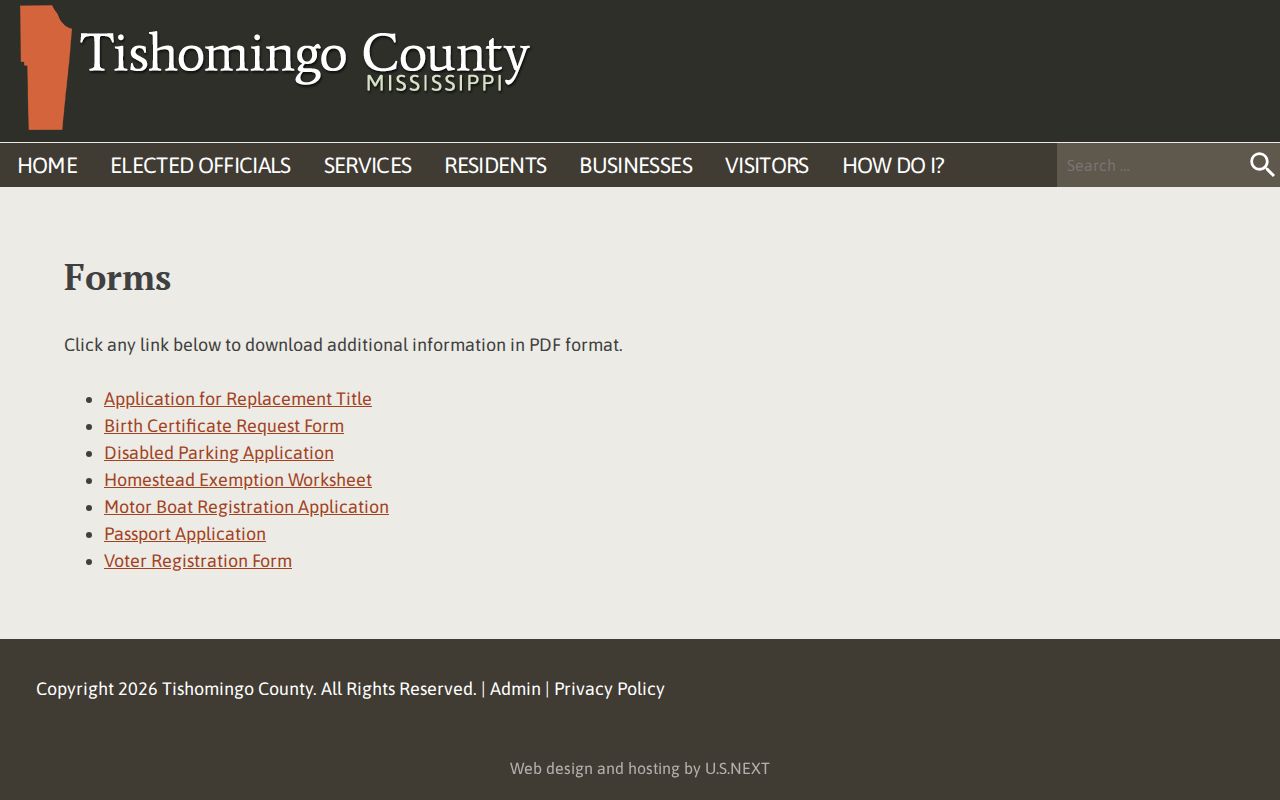
The source supports a clerk-first Burnsville request process rather than a one-click copy claim.
Burnsville Court Settings Beyond Town
A case can leave the municipal route. It can end up in a county court setting, even for a Burnsville resident. First Circuit civil settings run through a Court Administrator and a Circuit Clerk. Agreed-order and cancellation steps are built in. Those procedures belong to the county Circuit system. Nothing makes them a Burnsville municipal rule.
The distinction matters when a Burnsville matter gets labeled a county civil case, a county appeal, or a court-administered setting. Ask which court owns the docket now. Never apply Circuit motion or trial procedures to an ordinary Burnsville municipal citation. The First Circuit civil-matters page lays out that setting workflow in the court's own words.
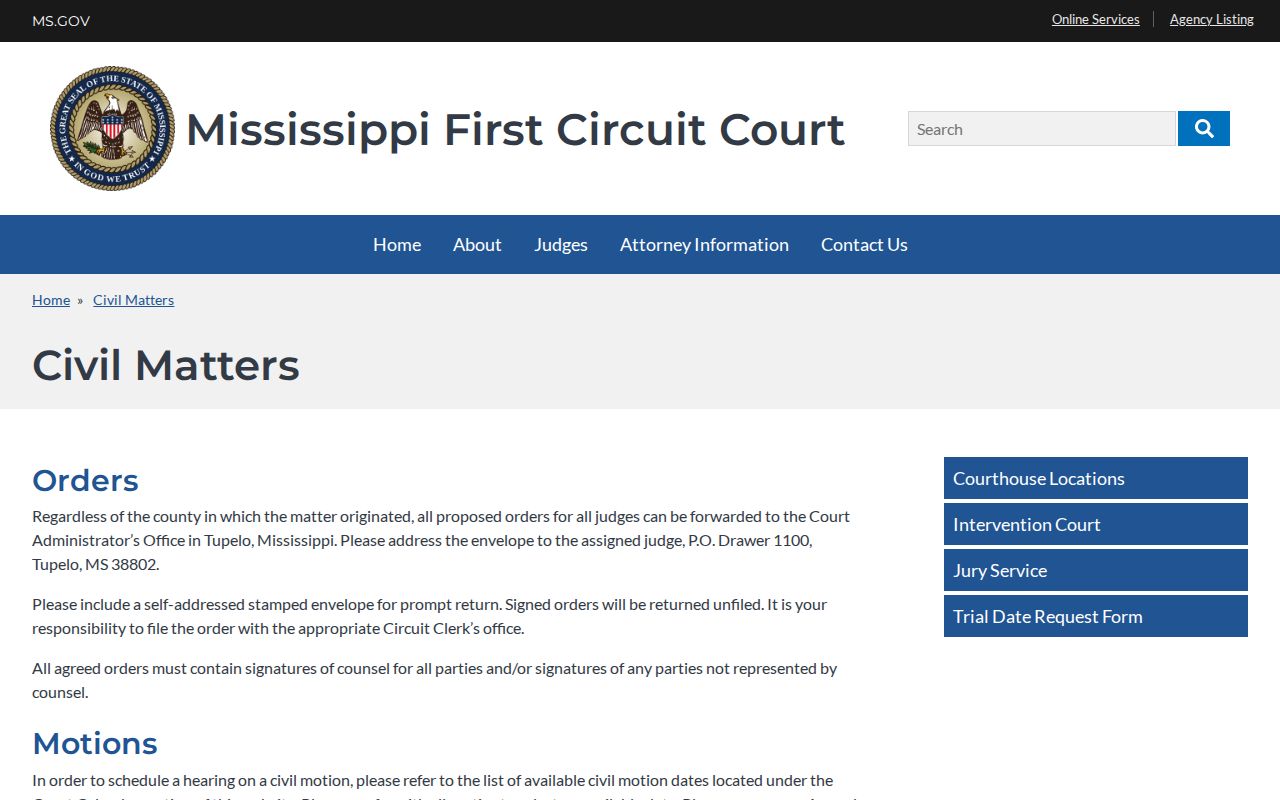
That county-level resource shows why routing matters. A Burnsville case goes where the court sends it, not where the city name suggests.
Burnsville Court Record Access
Public-record access has its limits. Mississippi agency-record guidance does not throw every court file open. City records can hold protected information. For a Burnsville court record, request the specific public docket entry or document through the town's municipal court channel. Youth matters, sealed records, and protected identifiers may stay closed.
Older Burnsville traffic records answer to the statewide municipal retention schedule. It sets preservation categories but promises nothing about online access. Ask the town whether the record exists. Ask which part is public, and whether a certified or plain copy can be made.
A solid Burnsville request names the municipal court, the citation or case number, the year, and the item sought. Say whether you want a docket entry, a notice, an order, or a certified copy. Then ask about the current clerk, payment, delivery, and any restriction. The town publishes no court form covering those details.
Access route:
Mississippi Public Records Act guidance describes agency inspection and copying procedures.
Burnsville’s official contact page is the local starting point for a municipal record request.
For a county court file, contact the responsible county clerk instead.